Dev Environment Update: December 2025
Where I'm at with my dev setup - neovim, two machines, and the workflows that stuck.
Quick update on where things landed after a few months of tinkering with my setup.
The Two Machine Thing
Still running the same split I wrote about before - edit on my Arch daily driver (omarchy), run dev servers on the homelab Ubuntu box. Syncthing keeps everything in sync.
The remote-dev script handles starting servers over SSH:
remote-dev start ~/projects/myapp 3000
remote-dev stop 3000
remote-dev logs 3000
Or I just use the /run-dev slash command in Claude Code and it figures out the port and path.
Access everything at http://ubuntu-homelab:3000. Keeps my daily driver snappy since Next.js isn't eating all my RAM locally.
From vinw to Neovim
Earlier this year I built vinw - a terminal file tree with a dual-pane viewer. It was my stepping stone into terminal-based editing. File tree on the left, preview on the right, vim-style navigation.
It worked. People used it. But at some point I realized I was just building a worse version of what already existed in the neovim ecosystem.
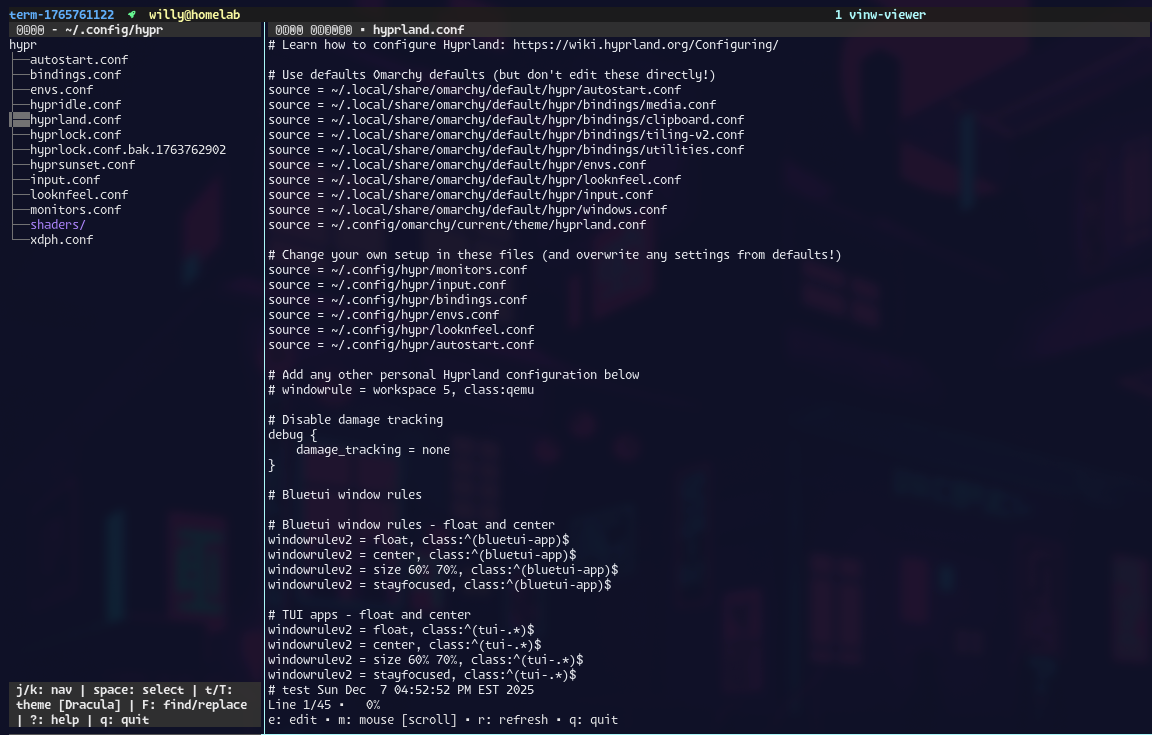
So I made the switch to actual neovim.
Current Editor Stack
Running LazyVim with a pretty minimal config:
- Neo-tree for file browsing - basically what vinw was trying to be
- Claude Code extra built into LazyVim
- Custom theme hotreload that syncs with Omarchy's theme system
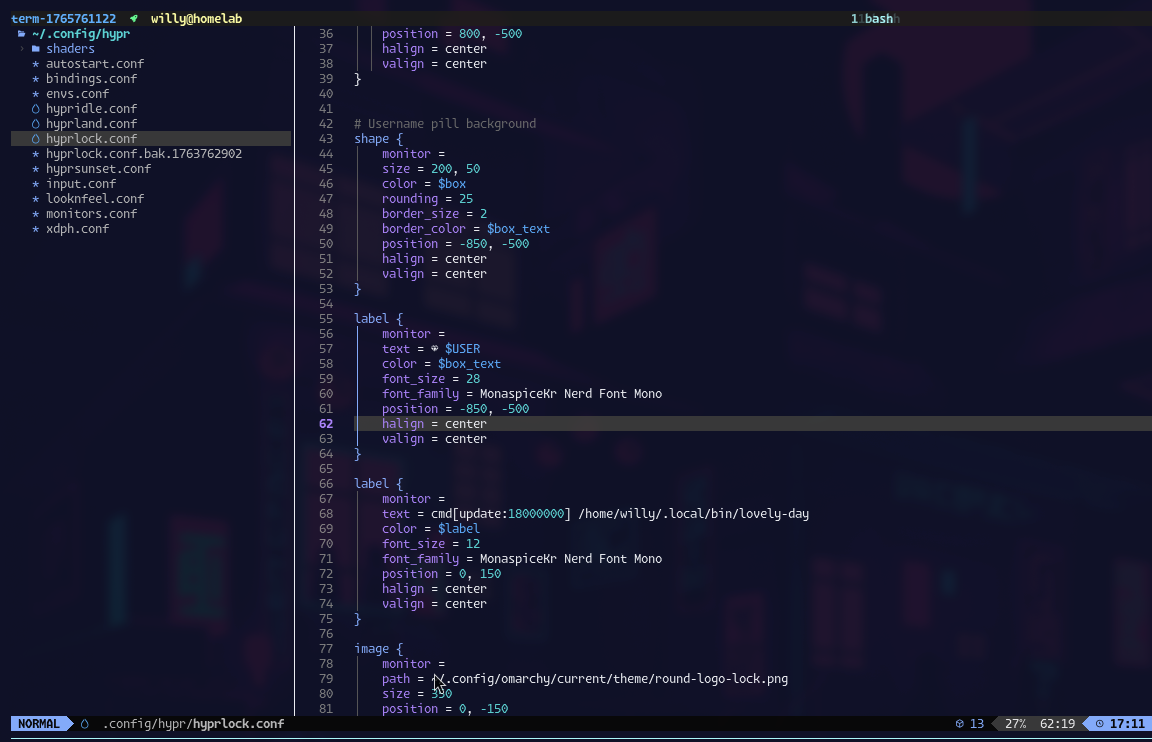
The LazyVim extras system is nice. Just add lazyvim.plugins.extras.editor.neo-tree to your config and it's set up with sane defaults.
{
  "extras": [
    "lazyvim.plugins.extras.ai.claudecode",
    "lazyvim.plugins.extras.editor.neo-tree"
  ]
}
What happens when I sit down
Typical workflow:
- TMUX vertical vertical split -
nvim <dir>Opens Neo-tree for navigating files- Tell Claude wtf to do
- Syncthing syncs to homelab in the background
/run-devor `remote-dev start to spin up the server- Browser pointed at homelab IP
- When I make changes on Omarchy, syncthing runs, nextjs does it hot-reload thing, and I see changes immediately on OMarchy browser.
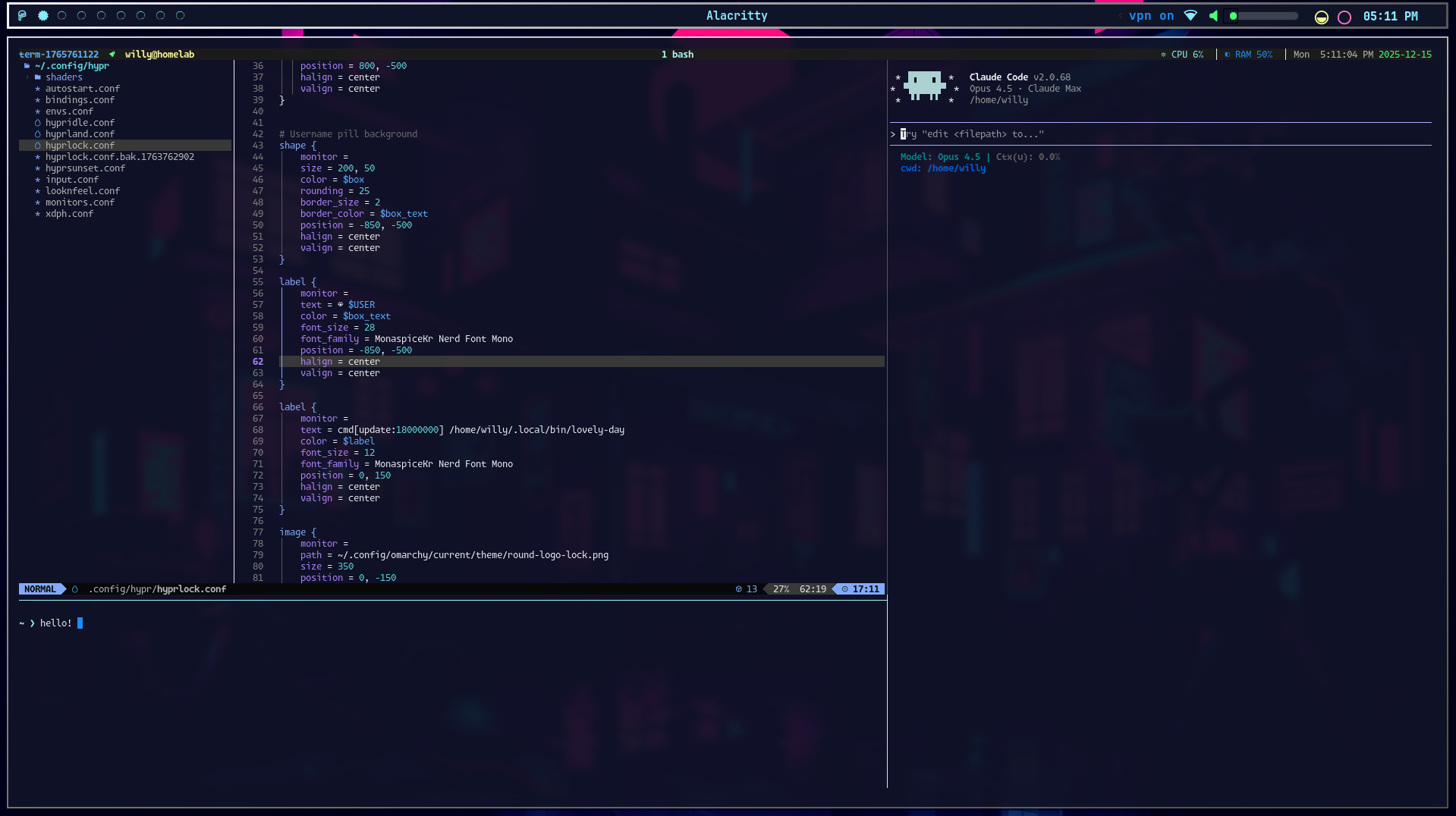
Its been extremely easy getting around my computer and doing what I need to do.
PLus my computer has just been FAST.
Still figuring out:
- What else should I do?
- I have two computers just sitting around and no plans yet for them - I need ideas.
Links:
- LazyVim
- Neo-tree
- vinw - my old file tree TUI
- Syncthing workflow post